Website Design Tools
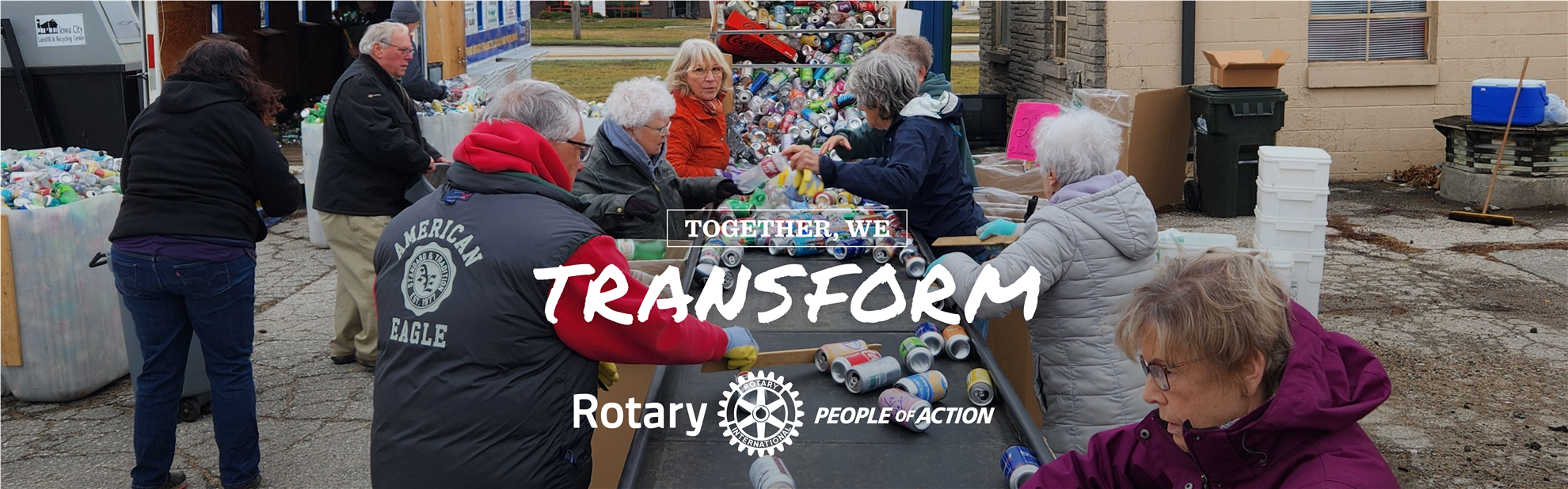
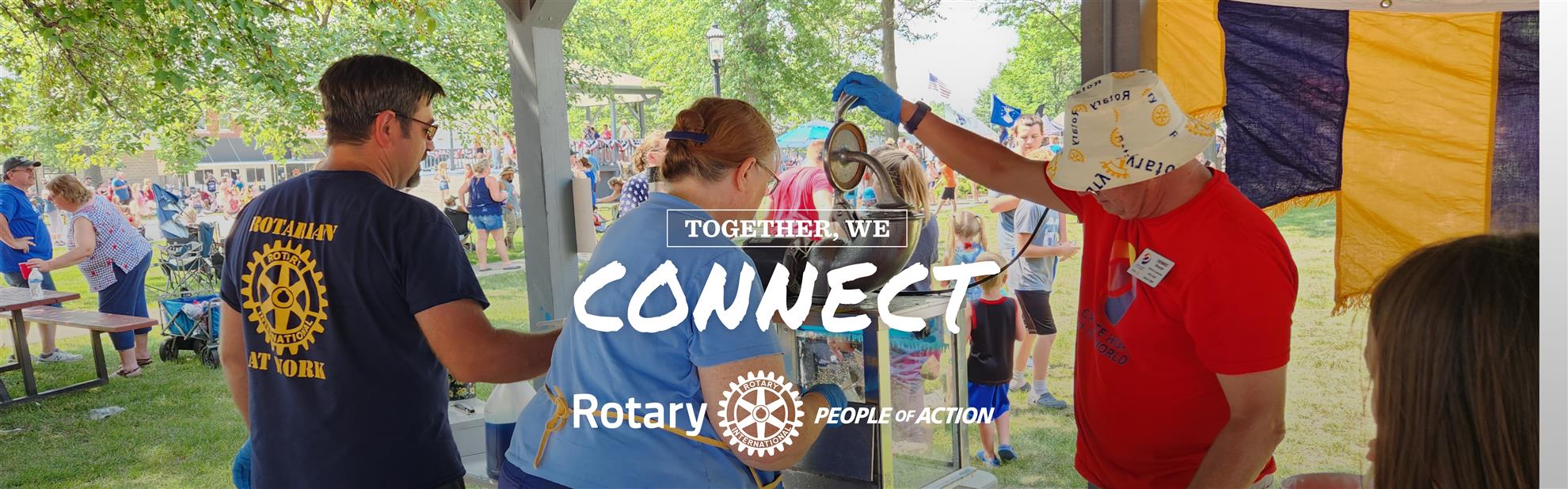
You can create your own club banner at the BRAND CENTER in the People of Action section. We have created some for you. They can be found by clicking the button below.
Visitors should understand who you are and what you do in 5 seconds.
There should be a clear call to action – Join
Consider what your website visitors are looking for. Most are there to get involved – Join, Volunteer, Attend an Event or Donate. Primary navigation should include Home, Get Involved, What is Rotary and Contact Us. You may want to include Projects, News and/or Speaker and Events Calendar. Avoid clutter with too many pages!
Feature upcoming events and speakers prominently.
Show tangible results – real numbers of "kids given books" or "meals served at the shelter". Pictures and stats tell the visitors a story about your club.
Make joining EASY! *EASY* #EASY! Did we mention make it EASY! Include information on how to join, who to contact, steps to become a member, expectations of members, etc! Anyone that visits your website should be able to fill out a membership application – or at the bare minimum fill out a membership lead form to be contacted by your club membership chair. The turnaround time on that contact needs to be very short – hours, not days.
Make sure your website design if mobile friendly.
Connect to social media from the website and from social media to the website.
DO NOT -
Design for members not visitors – Remember we want to attract new members while keeping our current members informed. Avoid jargon that "outsiders" may not be familiar with. Keep the homepage focused on community impact and what the club does.
Fail to update – make sure your website content, meeting speakers, events, etc are kept current. A visitor will assume your club is old and stale if your website is highlighting an event that happened 3 years ago.
Fail to have a clear way to join – did we mention to make joining EASY!
Confusing navigation – keep the dropdown menus simple and concise. Do not have menu links across the top for 15 different pages. Use the dropdowns to categorize. There should be no more that 7 menu headers.
Check your site with this simple test:
When visiting your site, will a visitor be able to answer these questions in just 30 seconds?
What does this club do?
How does it help the community?
How can I participate?
When and where do they meet?
What events are coming up?
HAVE QUESTIONS? NEED HELP?
ClubRunner - You can open a ticket from your member area for a specific issue or visit www.clubrunnersupport.com for articles, videos, webinars and guides.
District 6000 Public Image Team – email d6000publicimage@gmail.com